Smart Home Automation in a Capsule Home: What to Specify
Lighting scenes, climate scheduling, access control and remote monitoring. How to automate a capsule home without overcomplicating it.
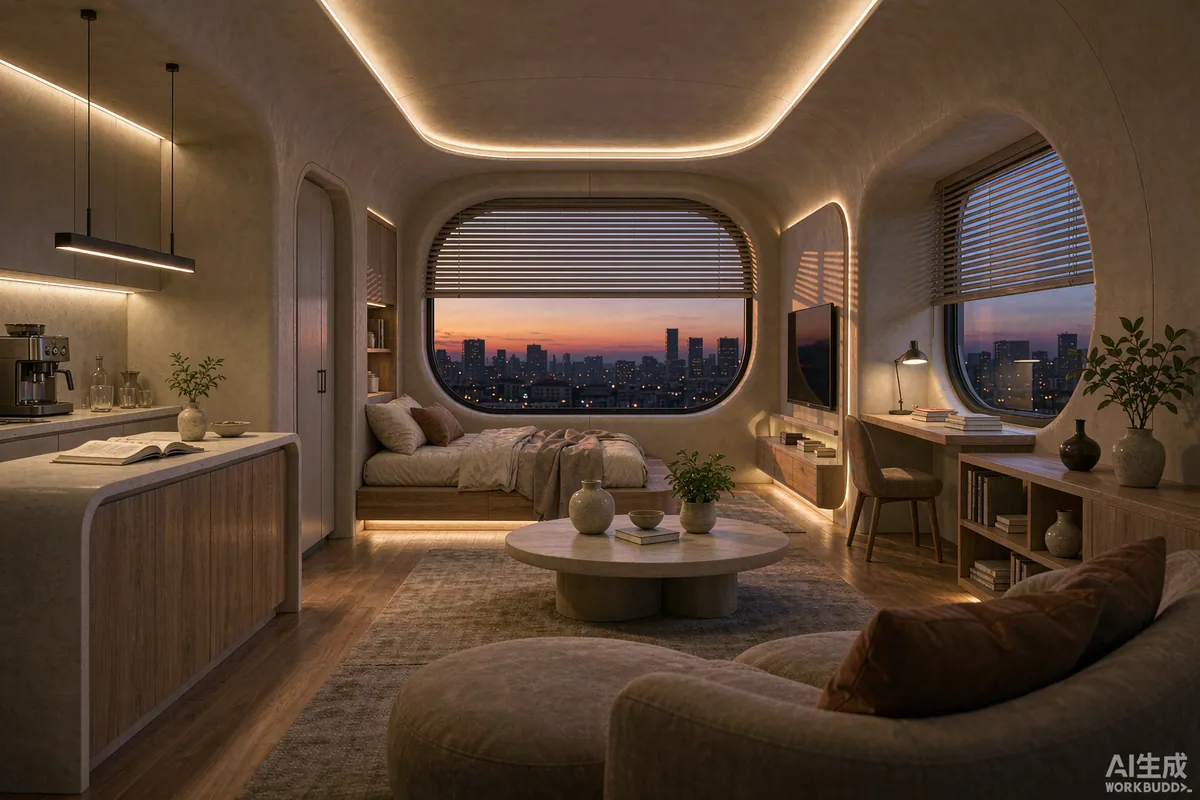
Automation in a capsule home should do four jobs and nothing more: set the lighting and climate to the time of day, close the blinds when the sun is on the glass or when the unit is empty, let you in without a key, and tell you if something is wrong while you are away. In a space this small, every extra device is a failure point and something to explain to a guest. Specify the four jobs properly and skip the rest.
The Short Answer
Prioritise climate scheduling and shading, then lighting scenes, then access control, then monitoring. Ask the factory what is pre-wired and what is an option, because anything installed during the build is cheaper and tidier than anything added later. Choose a system that still works when the internet does not - local control and manual overrides matter more than app features.
Why Automation Suits a Small Unit
Three characteristics make automation genuinely useful here rather than a novelty. The volume is small, so heating and cooling respond quickly to scheduling. The glazing area is large relative to the volume, so automated shading has a real effect on temperature and glare. And the unit is often unoccupied for stretches, so remote monitoring and a setback schedule solve a real problem rather than a hypothetical one.
The flip side is that a small space amplifies bad automation. A motion sensor that triggers the wrong scene is annoying in a house and maddening in twelve square metres.
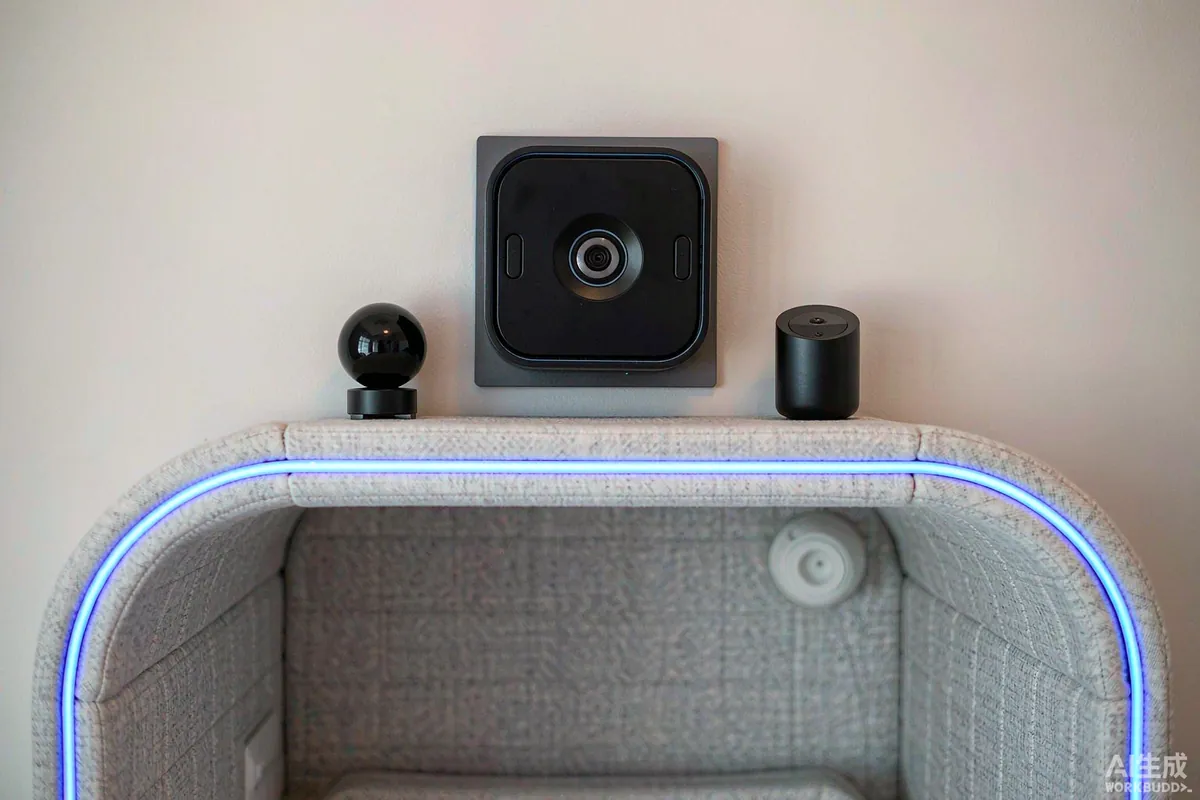
Priority 1: Climate Scheduling and Shading
This is where automation earns its cost. A schedule that holds a moderate temperature rather than recovering from extremes suits a well-insulated, low-mass building, and it costs less to run than manual operation.
- Setback, not off. A setback temperature avoids the damp, sealed-space problem that comes from switching everything off in an empty unit.
- Shade before it heats. Closing blinds on the sun-facing glass before the peak, rather than after, is the single most effective summer intervention.
- Use occupancy sensibly. On a rental unit, tie the schedule to the booking calendar rather than to a motion sensor, so the unit is comfortable on arrival rather than on detection.
- Keep a humidistat function. In humid climates, moisture control matters as much as temperature.
Priority 2: Lighting Scenes
Small spaces need fewer circuits than large ones but better scenes. Three are usually enough: a bright, even setting for cleaning and working; a warm, low setting for evening; and a very low night setting for the route to the bathroom. Keep the switching simple - one physical control that cycles the scenes, positioned where you enter, does more for usability than any app.
On a rental unit, add an exterior scene that lights the approach on arrival. It is a safety feature and it photographs well, which matters more than owners expect.
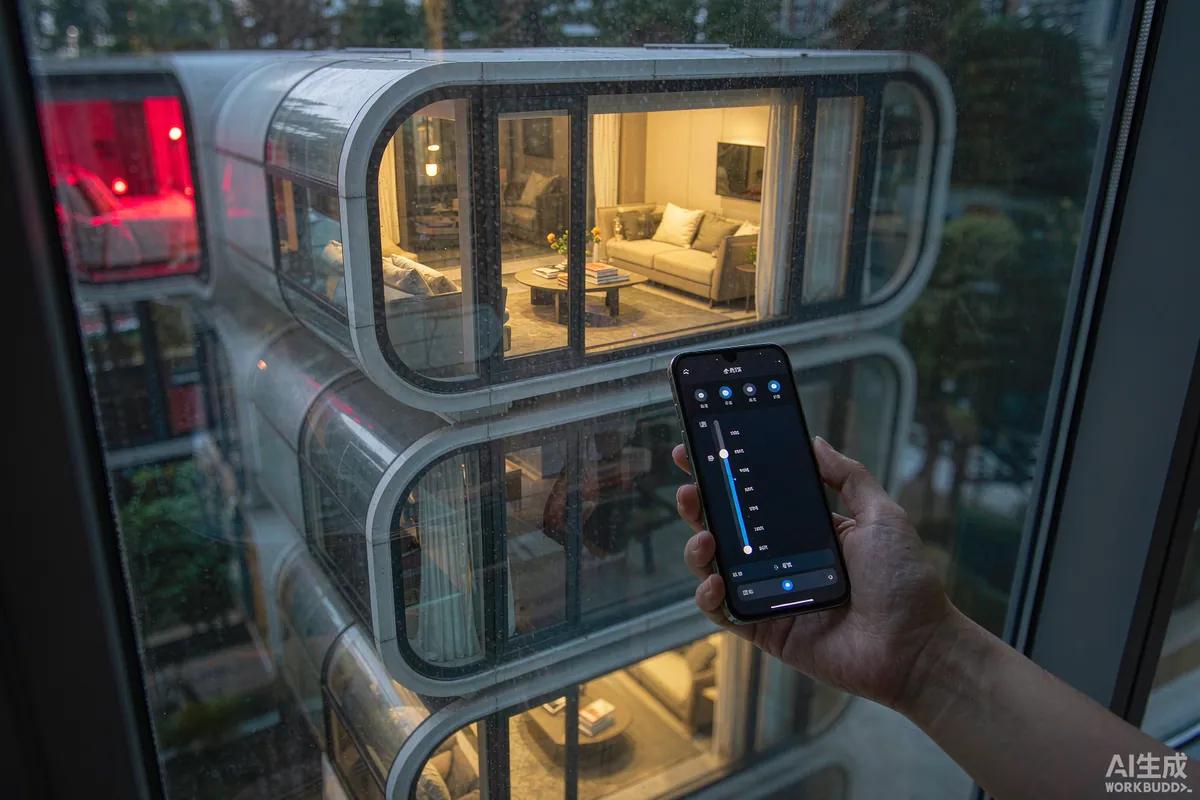
Priority 3: Access Control
Keyless entry solves a real problem for owners and operators: no key handover, no locksmith, and codes that can be changed between guests. Two rules apply. Choose a lock with a mechanical key override, because batteries and networks fail. And choose one that fails in a state you can live with - on a remote site, prefer a lock that stays locked when power is lost rather than one that releases.
For operators, generate per-stay codes and set them to expire. Keep a manual handover option for guests who do not want an app.
Priority 4: Monitoring
Monitoring is the layer that protects the asset rather than the comfort. In rough order of usefulness:
| Sensor | What it protects against |
|---|---|
| Water leak detector | The most common cause of expensive damage in an unoccupied unit |
| Temperature and humidity | Frozen pipes, damp, and a failed climate system |
| Door and window contacts | Unauthorised entry, and guests leaving a door open with the heating on |
| Power monitoring | A trip or a supply failure that would otherwise go unnoticed for days |
| Smoke and carbon monoxide integration | Notification when nobody is on site to hear an alarm |
Place leak detectors where a failure would actually start - under the water heater, at the supply entry, and beneath any appliance with a water connection - rather than in the middle of the floor.
Connectivity: Plan It Before You Automate
Remote sites fail on connectivity far more often than on equipment. Decide how the unit will connect before you choose devices that depend on it.
- Check what is actually available at the site - fixed line, mobile coverage and realistic throughput, measured rather than assumed.
- Choose devices that keep working locally if the connection drops.
- Provide a backup route if remote access matters - a second carrier, or a local recorder for cameras.
- Give the unit a small uninterruptible supply so a brief outage does not reboot everything into an unknown state.
- Label the network equipment and leave the credentials in the handover pack.
Specify at the Factory Where You Can
Anything involving wiring, blinds, sensors or control panels is cheaper and tidier when it is part of the build. Ask what is pre-wired as standard, what is available as an option, and what has to be added on site. Confirm three specifics in writing: where the control panel sits, whether the blinds are motorised or manual, and which protocols the devices use - because mixing incompatible ecosystems is the most common source of frustration.
Handover and Guest Usability
Write a one-page card. Name the one control that matters, say what to do if something does not respond, and give the override. Test it yourself by arriving as a guest would: in the dark, with luggage, without the app. If that experience is confusing, simplify the system rather than lengthening the card.
Common Mistakes
- Automating things that a switch would do better.
- No manual override anywhere in the system.
- Choosing cloud-only devices on a site with poor connectivity.
- Motion sensors that turn lights off while someone is sitting still.
- A smart lock with no mechanical key option.
- Mixing ecosystems and expecting them to cooperate.
Maintenance, Updates and Handover
An automated system needs a small amount of scheduled attention, and skipping it is how systems become untrusted and then unused. Once or twice a year: replace batteries in sensors and locks before they fail, check that firmware updates have not changed behaviour you rely on, confirm that schedules still match the season, and test each scene and each override manually. Do it at the change of season rather than on a calendar date, because that is when the schedules actually need to change.
Keep a written record of devices, accounts and credentials, and leave it with the unit. If you sell it, that file goes with it - a buyer who inherits a smart system without credentials inherits a problem. Where devices depend on a cloud service, check that the service is still supported before you rely on it for something important, because discontinued devices are a common reason for a system being quietly abandoned.
The Takeaway
Automate the four things that matter - climate, shading, access and monitoring - and keep everything else on a switch. Specify at the factory where possible, plan connectivity before devices, and make sure the whole system degrades gracefully when the network does. In a unit this size, restraint produces a better result than enthusiasm.
More from the Blog
Capsule Home Cost Guide: What You Really Pay in 2026
EXW, shipping, install and the hidden line items — a transparent breakdown of total landed cost.
Read article →
How to Install a Capsule Home in 3 Days: A Step-by-Step Guide
From site prep to first guest — the exact sequence our install crews follow on every deployment.
Read article →
Real Owners, Real Numbers: Success Stories
How a lakeside resort, a Spanish glamping site and a Singapore dealer hit their targets.
Read stories →Talk to the Factory
Ready to Ride the 2026 Wave?
Get the latest catalog, pricing tiers and a layout sketch for your land — straight from the engineering team.