Remote Monitoring for Unoccupied Capsule Homes
What to monitor in a capsule home that sits empty for days or weeks - leak detection, temperature, power and connectivity - and how to set alerts that do not cry wolf.
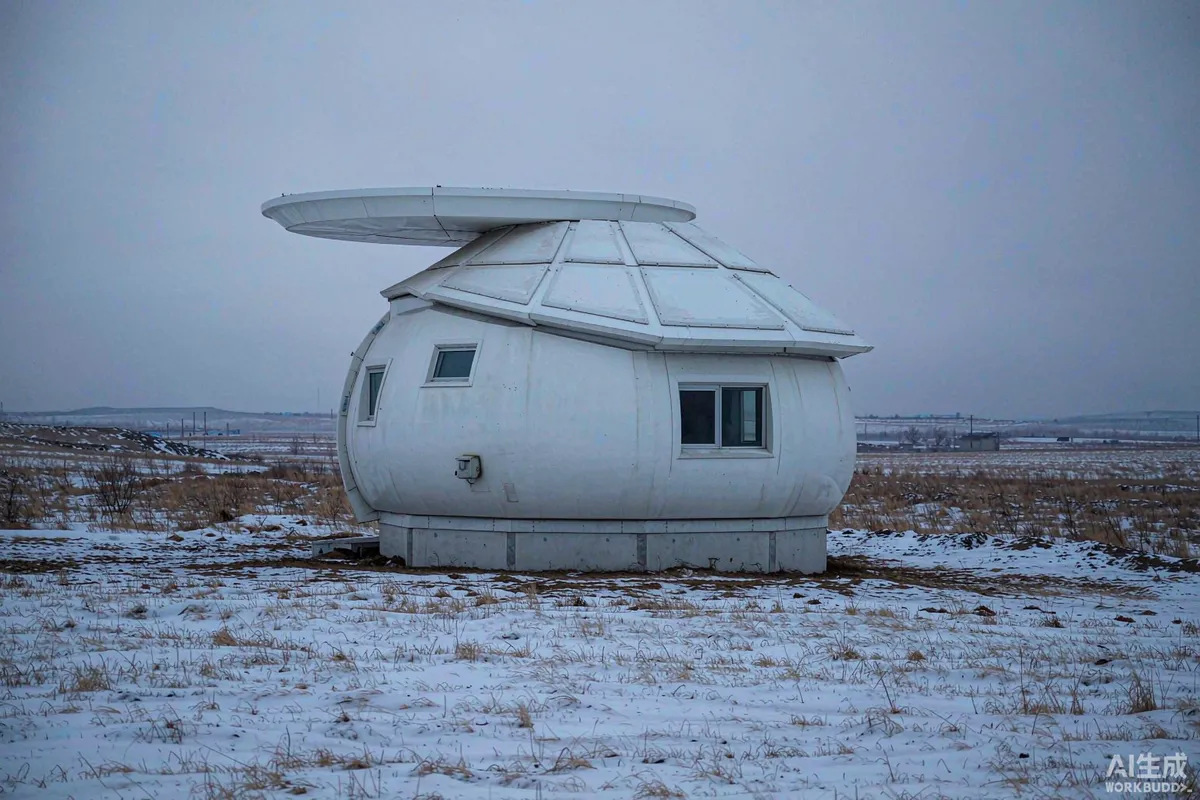
A capsule home that sits unoccupied between bookings, over a shoulder season, or through a winter closure has a specific risk profile: small problems become large ones because nobody is there to notice. Remote monitoring does not prevent the failure; it shortens the time between the failure starting and someone knowing about it. Four signals are worth watching - water, temperature, power and connectivity - and everything else is usually noise. Set thresholds conservatively at first, because an alert stream that fires frequently will be muted, and a muted alert is the same as no alert at all.
Start With the Failure Modes You Actually Have
Before buying anything, list what has gone wrong in your units or could plausibly go wrong given your climate and services. Monitoring built around a generic checklist tends to watch things that never fail while missing the one that does.
- Water. A supply leak, a failed fitting under a sink, or a frozen pipe that splits and discharges when it thaws.
- Temperature. Heating failure in cold weather leading to freezing, or a cooling or ventilation failure in hot weather.
- Power. A tripped circuit that silently stops a heater, a pump or a fridge.
- Connectivity. The monitoring system itself going offline, which should never look like "all clear".
- Access. A door or hatch left open, or an unexpected entry.
Rank them by cost of a late discovery. A leak found after three days and a leak found after three hours are very different events, and that difference is where the budget should go.
Where Sensors Belong
Placement matters more than the number of devices. Four or five well-placed points cover most of what a compact unit can tell you.
| Sensor | Placement | What it catches |
|---|---|---|
| Leak / water presence | Under the sink and at the lowest point of the utility or wet room area | Supply leaks, failed fittings, discharge from a split pipe |
| Leak / water presence | Beside the water heater or any pressurised vessel | Slow weeps that precede a failure |
| Temperature | Interior, away from direct sun and away from a heat source | Heating failure, freezing risk |
| Temperature | In the utility or services void where pipes run | Localised cold spots that freeze before the room does |
| Humidity | Interior living space | Ventilation failure, condensation developing during closure |
| Power | At the distribution board or a monitored socket | Tripped circuit, supply loss |
| Door / contact | Main entrance | Door left open by a departing guest or a contractor |
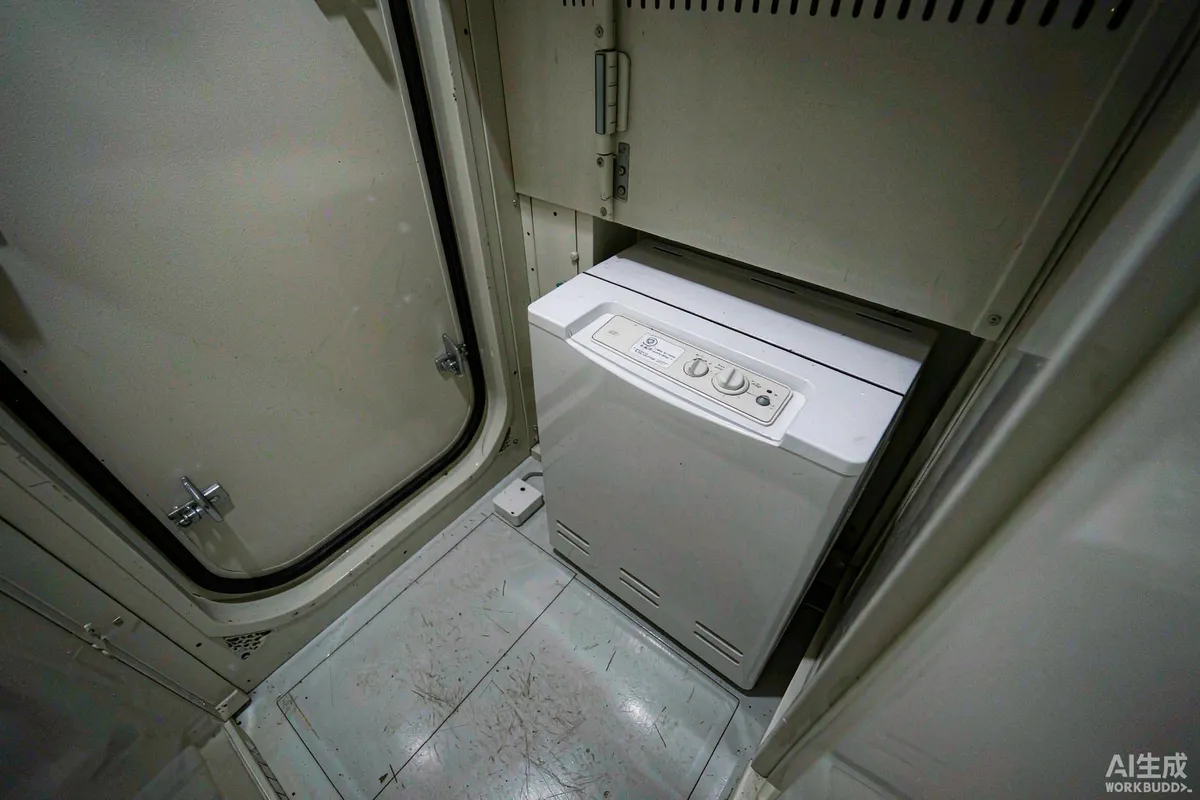
In a compact unit, one sensor in the wrong place can read the heat from a water heater rather than the room. Fit first, then verify by reading values on site against a handheld reference before trusting them.
Setting Thresholds That Stay Useful
The most common mistake is setting thresholds at the edge of comfort rather than the edge of damage. A temperature alert that fires every cold night will be ignored by the second week.
- Alert on the risk, not on the weather. If a cold night is normal, the alert should be about temperature falling while the heating system is supposed to be running, not about the temperature alone.
- Use a time element. A value that is abnormal for ten minutes is different from one that is abnormal for three hours. Require the condition to persist before notifying.
- Separate urgency levels. Water presence is immediate. A slow humidity trend is a weekly review item.
- Monitor the monitor. A device that has not reported for a set period should raise its own alert, so silence never means safety.
- Review after the first month. Expect to loosen at least one threshold and tighten another.
Connectivity: The Part That Usually Fails
Remote sites rarely have reliable fixed broadband, and a monitoring system that depends on a single path will report silence rather than a problem. Plan for the weakest link rather than the average day.
- Prefer devices that buffer and retry, so a brief outage does not lose the event.
- Keep the monitoring gateway on a circuit that is not switched off during a seasonal shutdown.
- Consider whether a cellular path is available as a secondary option, and test it in the actual location rather than assuming coverage.
- Document what each indicator light or status means, and keep that note in the unit - a future technician should not have to guess.
Who Responds, and What They Do First
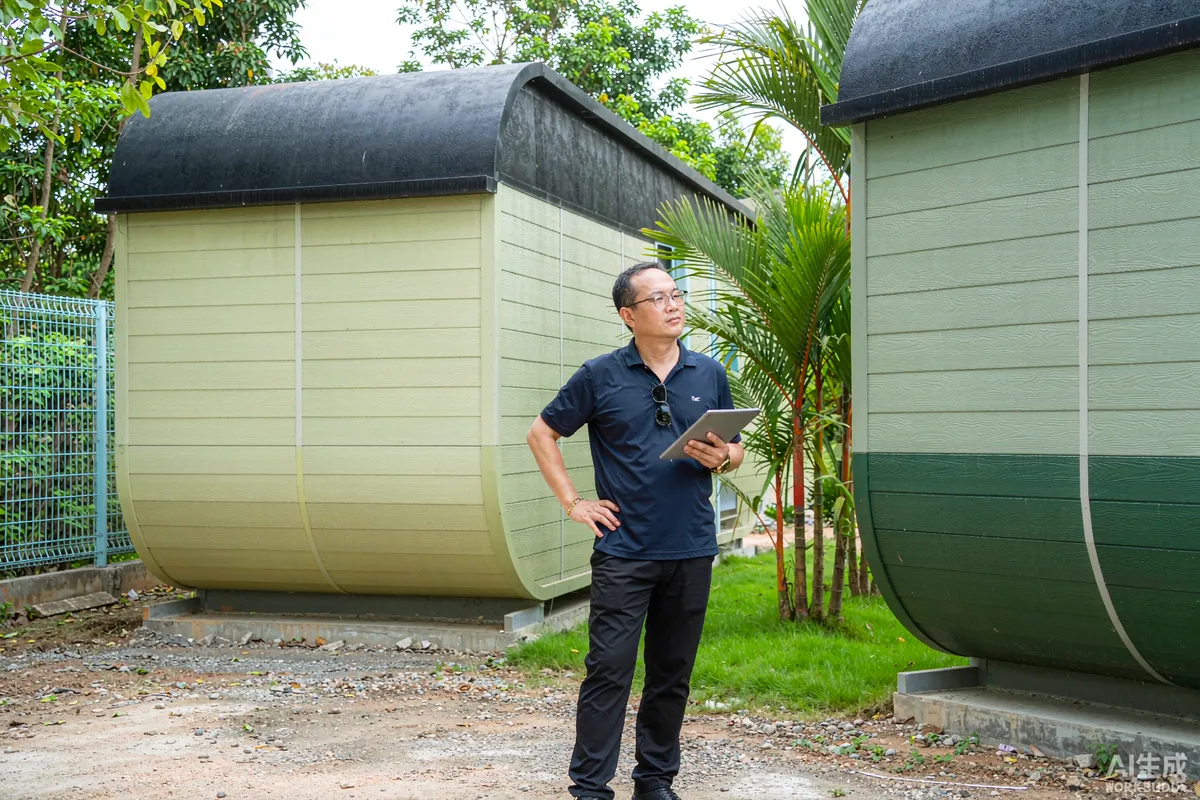
A monitoring system with no assigned responder is an expensive way to learn about a problem later. Write the response down in the same place as the alert list.
- Water alert. Attend, isolate the supply at the stop valve, then assess. Note that isolating is usually the correct first action even before the source is found.
- Low temperature with heating off. Attend, check the circuit and the control setting before assuming a component failure.
- Power loss. Confirm whether it is the unit or the site supply before dispatching anyone.
- Device offline. Check connectivity at the site, then the device; do not assume a fault in the unit.
Give the responder a simple authority to act - for example, permission to isolate a supply or to call a plumber within a set cost limit. Ambiguity costs hours, and hours are the whole point of the system.
Closure and Reopening
Monitoring is most valuable during closures, and the handover moments are when it is most often misconfigured.
- Before closing. Confirm every device reports, thresholds are set for the closed state, and the gateway circuit remains live.
- During closure. Keep a simple log of alerts and actions, even if nothing happens - an empty log is evidence the system was working.
- Before reopening. Reset thresholds to the occupied profile, and physically verify each sensor is still in place and dry.
Where devices connect to a network, follow the manufacturer's guidance on credentials and updates, and keep the account under the operating entity rather than an individual. Requirements may vary by application, market and applicable standard.
Keeping the System Useful Over Time
Monitoring hardware degrades quietly. A sensor that has drifted, a battery that has weakened, or a gateway that was quietly replaced during other work will all produce a system that looks healthy and reports nothing. Build a small amount of routine into the arrangement.
- Test each sensor physically once a quarter. Trigger it deliberately - for a leak sensor, a damp cloth is enough - and confirm the alert arrives at the responder's device.
- Include monitoring in the handover pack. The person taking over a site should know what is installed, where, and how to silence a false alert without disabling the system.
- Keep one spare of each sensor type. In a park with several units, a single spare prevents a week of an unmonitored unit while a replacement is ordered.
- Log firmware or app changes. A change made by one person and not recorded is a common cause of a system that behaves differently from how the manual describes it.
- Reassess annually. The failure modes of year three differ from those of year one, and the alert list should be rewritten to match what actually happened rather than what was feared at the start.
Power behaviour deserves particular attention in cold weather. Batteries in sensors sited in an unheated service void lose capacity faster than those in the living space, and a device that dies in January is one that was reporting normally in October. Choose placements with that in mind, and set the offline threshold short enough that a dead battery is noticed within a day or two rather than at reopening.
What Not to Monitor
Restraint is part of the design. Energy dashboards, occupancy analytics and camera systems each add cost, complexity and a maintenance burden of their own. If a signal does not change what you would do within a day, it does not belong in the alerting system - put it in a monthly report instead and keep the alert channel quiet enough that people read it.
More from the Blog

Capsule Home Cost Guide: What You Really Pay in 2026
EXW, shipping, install and the hidden line items — a transparent breakdown of total landed cost.
Read article →
How to Install a Capsule Home in 3 Days: A Step-by-Step Guide
From site prep to first guest — the exact sequence our install crews follow on every deployment.
Read article →
Real Owners, Real Numbers: Success Stories
How a lakeside resort, a Spanish glamping site and a Singapore dealer hit their targets.
Read stories →Talk to the Factory
Ready to Ride the 2026 Wave?
Get the latest catalog, pricing tiers and a layout sketch for your land — straight from the engineering team.