Keyless Entry and Self Check-In for Capsule Home Rentals
Smart locks remove key handover and make late arrivals easy - but only if power, connectivity and the lockout scenario are planned. Here is how to set one up properly.
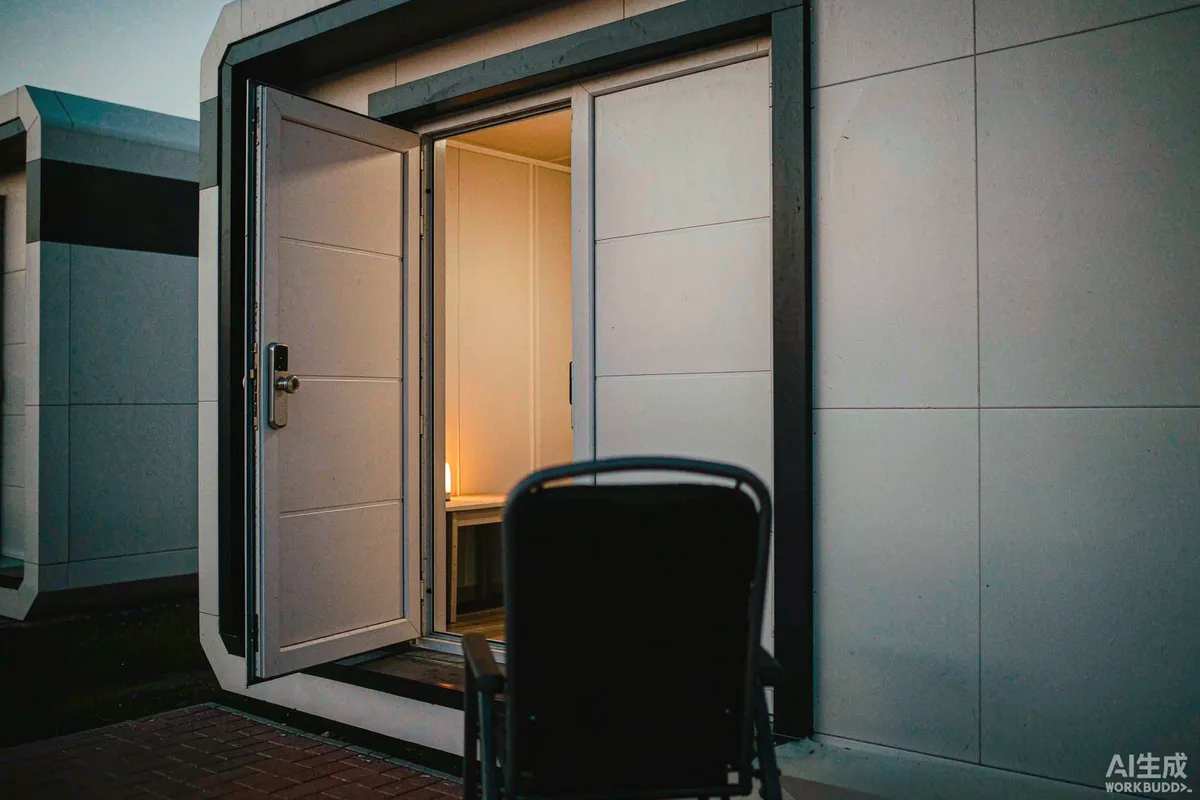
Keyless entry is close to ideal for a capsule home rental: no key handover, no late-arrival coordination, no lost keys, and a code that changes with every stay. What it does not remove is your responsibility for getting the guest inside. Every self check-in system eventually fails - a flat battery, no mobile signal, a code that was never delivered - and the difference between a minor hiccup and a ruined first night is whether you planned for that.
The rule to design around: every keyless system needs a non-digital fallback that a guest can use without you being there.
What Keyless Entry Actually Solves
- Late and unpredictable arrivals - a guest landing at midnight lets themselves in.
- No staff on site - remote sites and small operators do not need someone present.
- Key control - no copies, no unreturned keys, no rekeying after a loss.
- Cleaner turnover - codes expire, so access control is automatic rather than administrative.
- Access records - many locks log entries, which helps when something is disputed.
- Contractor access - a temporary code for maintenance without handing out a key.
It also introduces new tasks: battery management, connectivity, code administration and a lockout procedure. Those are small, but they are real and they need an owner.
Lock Types and Where Each Fits
| Type | How it works | Suits | Watch for |
|---|---|---|---|
| Keypad code | Guest enters a numeric code | Most rental setups; no app needed | Battery life; codes must be managed |
| Smartphone / Bluetooth | App unlocks when nearby | Tech-comfortable guests; integrated setups | App install friction; phone battery |
| Remote / networked | Online lock, codes issued centrally | Multiple units, remote management | Depends on connectivity at the door |
| Card or fob | Physical credential | Workforce and long-stay sites | Credentials to issue, collect and replace |
| Biometric | Fingerprint or similar | Owner-occupiers, controlled sites | Enrolment per guest; reliability with wet or cold hands |
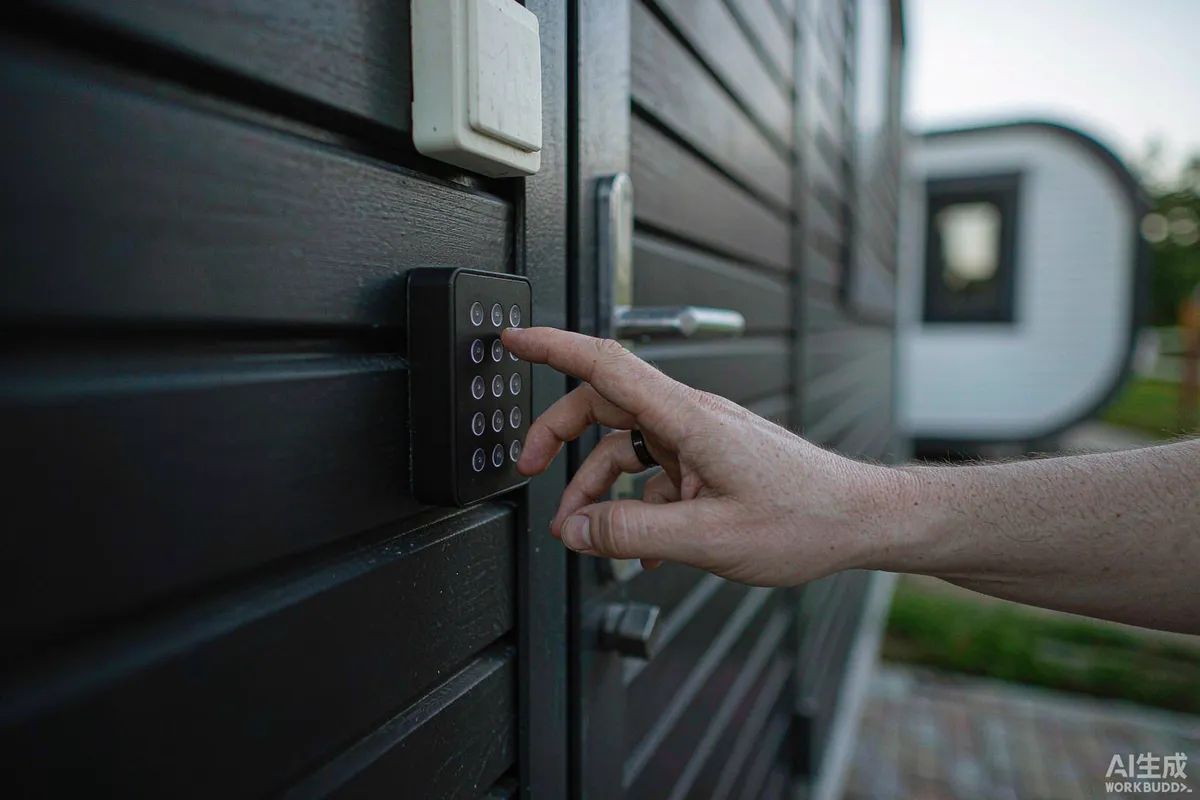
For most short-stay operations a keypad lock with remote code administration is the practical choice: guests understand it without instruction, and no app install is required at the door with luggage in hand.
Power, Battery and the Offline Question
A lock is only as available as its power source, and battery failure is the most common cause of a lockout. Plan for it explicitly rather than hoping the low-battery warning arrives in time.
- Know the expected battery life for your lock and usage pattern, and set a replacement schedule ahead of it.
- Replace batteries on a calendar, not on a warning light - warnings arrive at the worst possible moment.
- Check whether codes survive a battery change. Some locks retain programming, some do not.
- Confirm what happens if the lock loses connectivity - it should still open with a valid local code.
- Look for an emergency external power contact, so a flat battery can be resolved with a power bank rather than a callout.
- Keep a mechanical key override somewhere a guest can reach, and tell them where it is only as a last resort.
- Test the lock in cold weather if you operate in a cold climate; battery performance drops with temperature.
Code Management and Security
Codes are credentials. Treat them with the same discipline you would treat keys, and the system stays trustworthy.
- Issue a unique code per stay rather than a permanent one.
- Generate from something memorable but not guessable - many systems allow a code derived from the guest's own details.
- Set validity windows matching arrival and departure, with a small margin.
- Revoke on departure automatically wherever the lock supports it.
- Change the master or programming code when staff or contractors change.
- Keep separate codes for housekeeping, maintenance and owners so the access log is meaningful.
- Never reuse a code across units, which undermines the access record entirely.
The Arrival Sequence
Most check-in problems are communications problems, not lock problems. A guest who has the code, knows where the door is, and can see the path will get in without help.
- Send the code in the pre-arrival message, with the unit identifier and a photograph of the entrance.
- Repeat it on the day of arrival, at a time when they are likely to be travelling.
- State the lock operation in one sentence - code, then what to do with the handle.
- Include a photograph of the keypad, lit as it will be at night.
- Confirm the path and entrance will be lit for a night arrival.
- Give a number that is answered, with a stated response expectation.
- Include the fallback - where the key safe or spare key is, and when to use it.
The Lockout Procedure
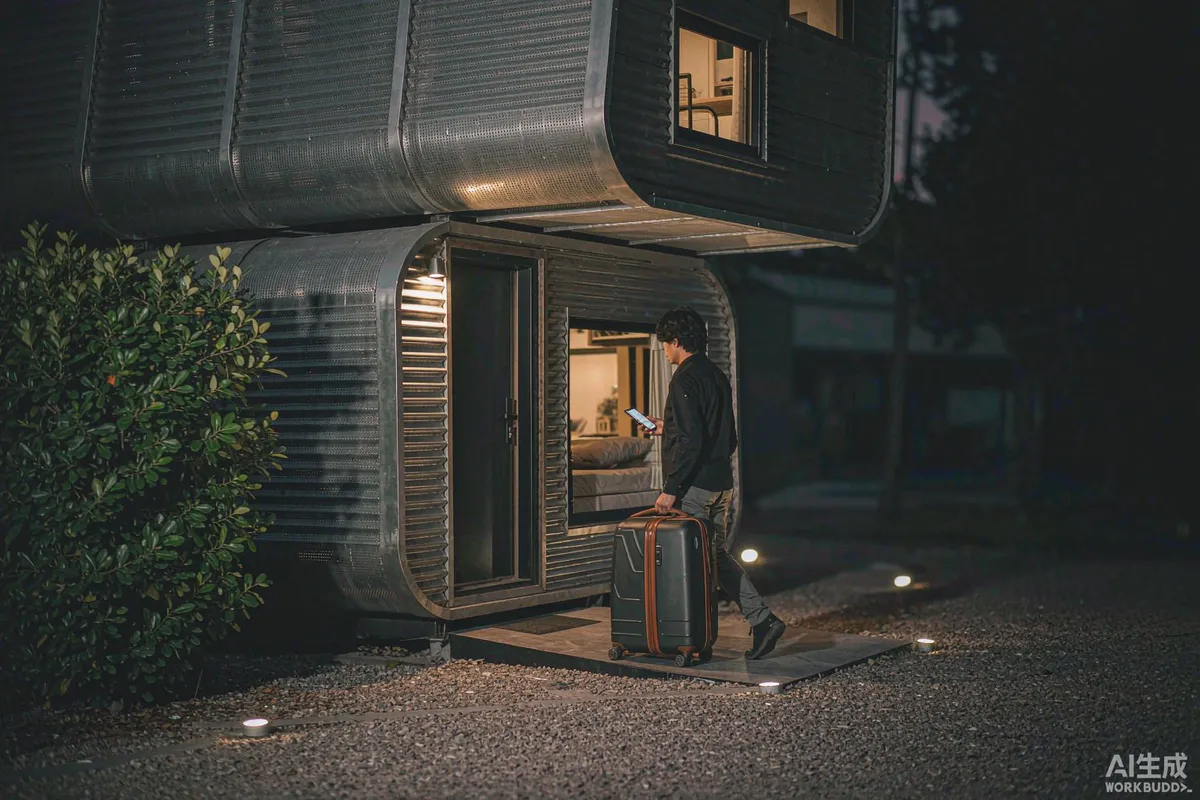
Write it down, and make sure more than one person can execute it. A lockout at eleven at night is not the moment to work out who holds the spare.
- First, rule out the simple causes - wrong code, wrong door, lock in a locked or privacy state, dead battery indicators.
- Second, the physical fallback - key safe or mechanical key, with its location documented and the code held securely.
- Third, a person who can attend, with a realistic travel time for your site.
- Fourth, an alternative unit if the door cannot be opened that night.
- Fifth, a goodwill gesture decided in advance rather than negotiated at midnight.
Log every lockout with cause and outcome. Two lockouts from the same cause is a specification problem, not bad luck.
Guests Who Struggle With It
Not every guest wants an app, and some will not read the message. Assume a proportion of arrivals need a simpler path.
- Keep the primary method keypad-based wherever possible.
- Avoid requiring an account or an app install to open a door.
- Make the keypad legible - backlighting, contrast and a sensible height all matter at night.
- Provide a printed copy of instructions inside as well as digitally.
- Consider accessibility: handle operation, keypad height and the force needed to open the door.
- Offer a human arrival option for guests who ask for it.
Privacy, Data and Records
Access systems generate data about people, and in some markets that brings obligations. Keep the data minimal and the purpose clear.
- Collect what you need for access and safety, and no more.
- Set a retention period for access logs and codes.
- Tell guests what is recorded where the system logs entry or uses a camera at the entrance.
- Check what applies to cameras and biometric data in your market before installing either.
- Secure the administration account with unique credentials for each person who uses it.
Requirements for electronic access control, surveillance and personal data handling differ significantly between markets. Requirements may vary by application, market and applicable standard.
A Short Checklist
- Keypad-first lock, with remote code administration.
- Mechanical key or key safe fallback, documented and reachable by a guest.
- Battery replacement on a calendar, ahead of expected life.
- Behaviour on power loss and connectivity loss confirmed by testing.
- Unique per-stay codes with validity windows and a separate code per contractor.
- Arrival message with code, unit identifier, photograph and a phone number.
- Written lockout procedure known by more than one person.
- Access log and code retention policy documented.
Done properly, keyless entry makes a capsule rental feel effortless: the guest arrives when they like, opens the door, and the first thing they notice is the view rather than the logistics.
More from the Blog
Capsule Home Cost Guide: What You Really Pay in 2026
EXW, shipping, install and the hidden line items — a transparent breakdown of total landed cost.
Read article →
How to Install a Capsule Home in 3 Days: A Step-by-Step Guide
From site prep to first guest — the exact sequence our install crews follow on every deployment.
Read article →
Real Owners, Real Numbers: Success Stories
How a lakeside resort, a Spanish glamping site and a Singapore dealer hit their targets.
Read stories →Talk to the Factory
Ready to Ride the 2026 Wave?
Get the latest catalog, pricing tiers and a layout sketch for your land — straight from the engineering team.