Internet at a Remote Capsule Home: Choosing and Installing a Connection
Fibre, fixed wireless, cellular and satellite options for a capsule home on a remote plot, and how to plan power, cabling and mounting before the unit arrives.
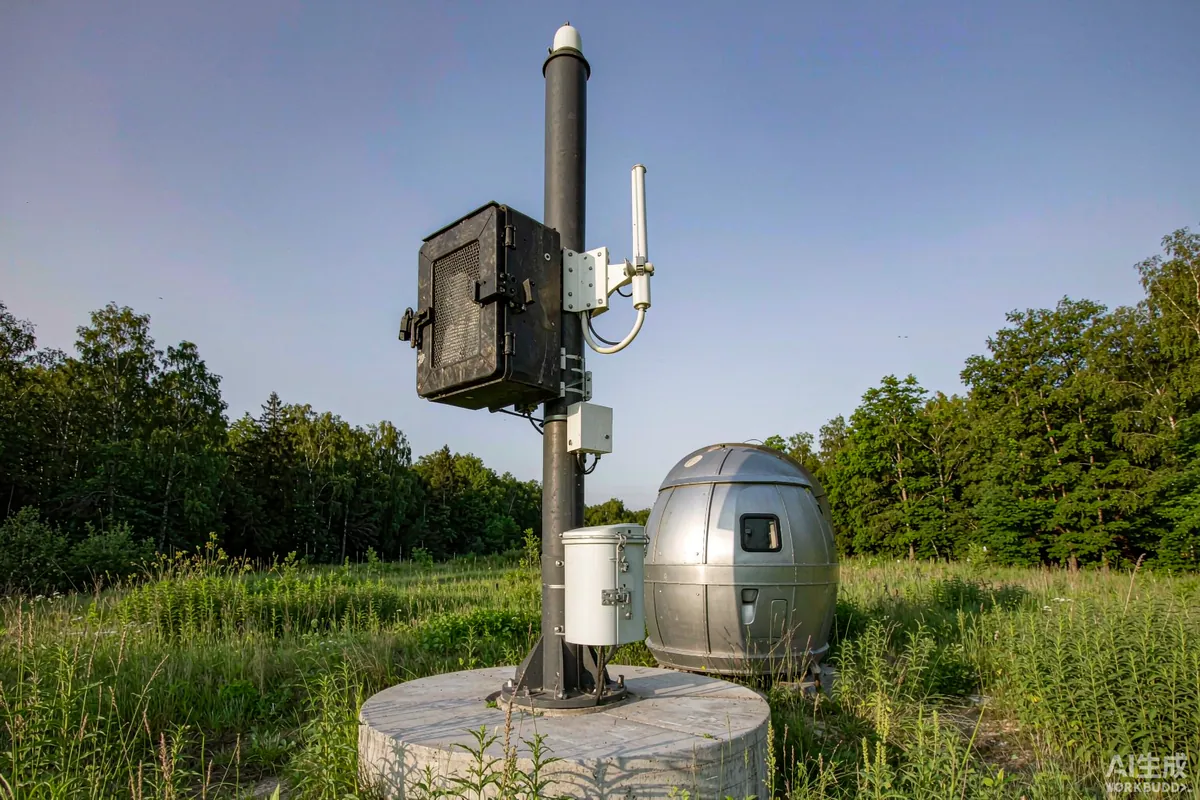
The right internet connection for a remote capsule home depends on three things: what reaches the plot, how much data the unit will actually use, and whether anyone needs to be able to monitor the unit when it is empty. Decide those in that order and the choice usually makes itself. Buy the hardware first, as many people do, and you end up with a dish on a pole that does not see the sky, or a router on a plan that cannot carry a video call.
The Short Answer
Check what infrastructure actually reaches the site before anything else - a utility or provider coverage check is worth more than any product comparison. If a wired or fixed-wireless service reaches you, it is usually the simplest answer. If not, cellular is the next candidate where signal exists, and satellite where it does not. Then plan for power and mounting: every option needs a cable route, a power source and a position with clear line of sight, and all three are easier to build in than to add.
Start With the Site, Not the Hardware
Remote plots fail on geography rather than on technology. A hill, a stand of trees or a valley floor will defeat a connection that looks excellent on a provider's coverage map. Before buying anything, do the boring checks:
- Ask neighbouring properties and site owners what they actually use and what it delivers.
- Run a coverage check with the providers serving the area, using the exact plot coordinates.
- Stand where the antenna would go and look at the horizon. Line of sight is not negotiable for fixed wireless and satellite.
- Test with a phone on the networks available, at the time of day you are most likely to need it, not at noon on a Tuesday.
Also establish who owns the land between you and the nearest infrastructure. A fixed-wireless link that crosses a neighbour's field is a legal question before it is a technical one.
Comparing the Options
| Option | Works when | Watch out for |
|---|---|---|
| Wired service to the plot | Infrastructure reaches the boundary | Connection distance and wayleave can drive cost more than the service |
| Fixed wireless | Line of sight to a provider mast | Obstructions, seasonal foliage, mast congestion |
| Cellular router | Usable mobile signal at the unit | Data caps, indoor signal loss through a metal shell |
| Satellite | Clear view of the sky and nothing else works | Mounting, power draw, weather sensitivity, plan terms |
Two practical points cut across all four. First, a capsule home's metal shell is a very effective shield: equipment mounted inside will perform worse than the same equipment outside. Second, remote monitoring - cameras, temperature sensors, leak detectors - generates a modest but constant stream of data, and it needs to keep running when nobody is there.
Power: The Part People Forget
Every option needs electricity, and remote sites are where electricity gets scarce. A router and an antenna are small loads, but they are continuous ones - and on a solar or battery system, continuous loads are what shape the design.
- Put network equipment on a circuit that stays live when the unit is switched to vacant mode.
- Confirm the total continuous draw of router, antenna and any monitoring equipment before sizing backup.
- Decide whether monitoring must survive a mains failure. If yes, it belongs on the essential-loads list.
- Ask for a socket or cable route at the intended equipment position, not just at the panel.
There is a second failure mode here: equipment that loses power and does not come back cleanly. On an unattended site, a router that needs a manual restart after an outage is worse than no router at all. Choose equipment that recovers on its own.
Mounting and Cable Route
Exterior antennas and dishes need three things: a position with clear line of sight, a mount that survives the weather, and a cable entry that keeps water out. All three are far easier to plan before the unit is delivered than to improvise afterwards.
Mounting options
- Mast or pole mount. Gets above obstructions; needs a stable base and appropriate grounding.
- Wall or roof-edge bracket. Simpler and lower profile; limited by the unit's own height and by what is in the way.
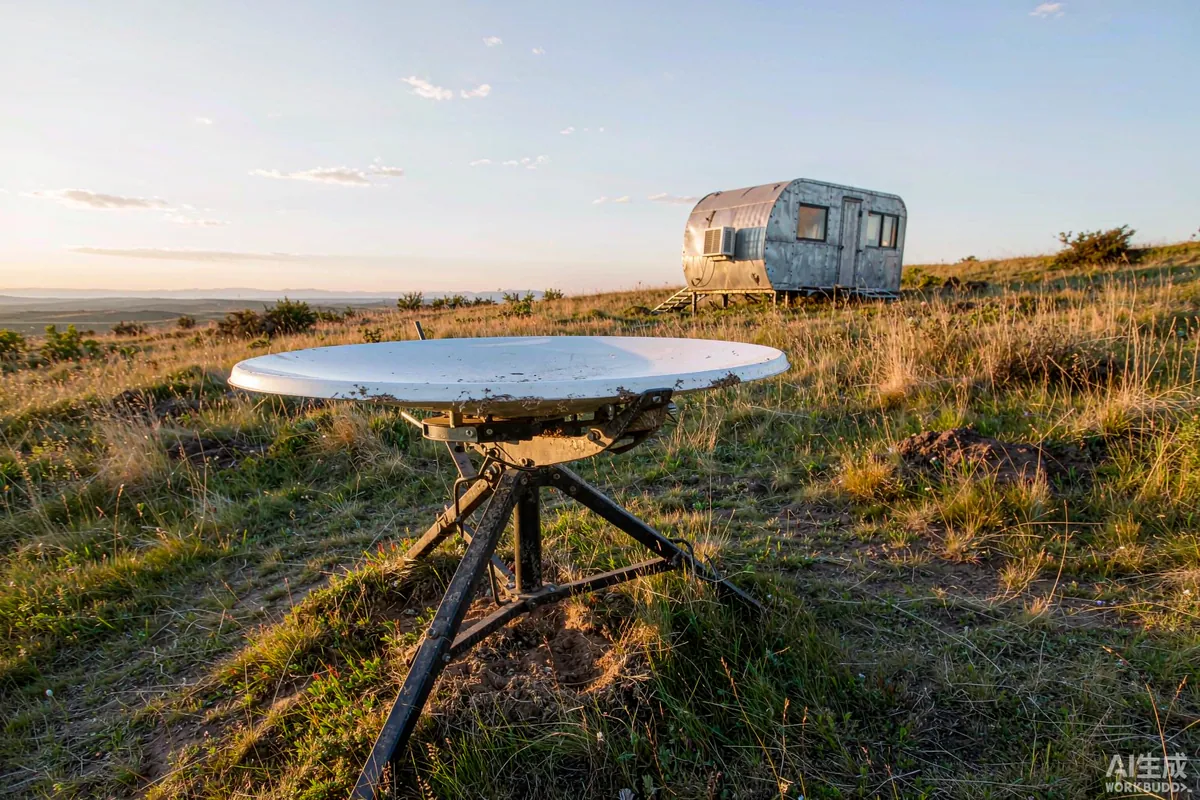
- Ground tripod. Easy to reposition while you survey; needs securing against wind and disturbance.
Whatever you choose, the cable entry point matters. Drilling a hole through a finished shell on a wet day is how water ingress problems begin. Ask the factory for a designated service entry with a gland, sized for the cable you intend to run.
Inside the Unit
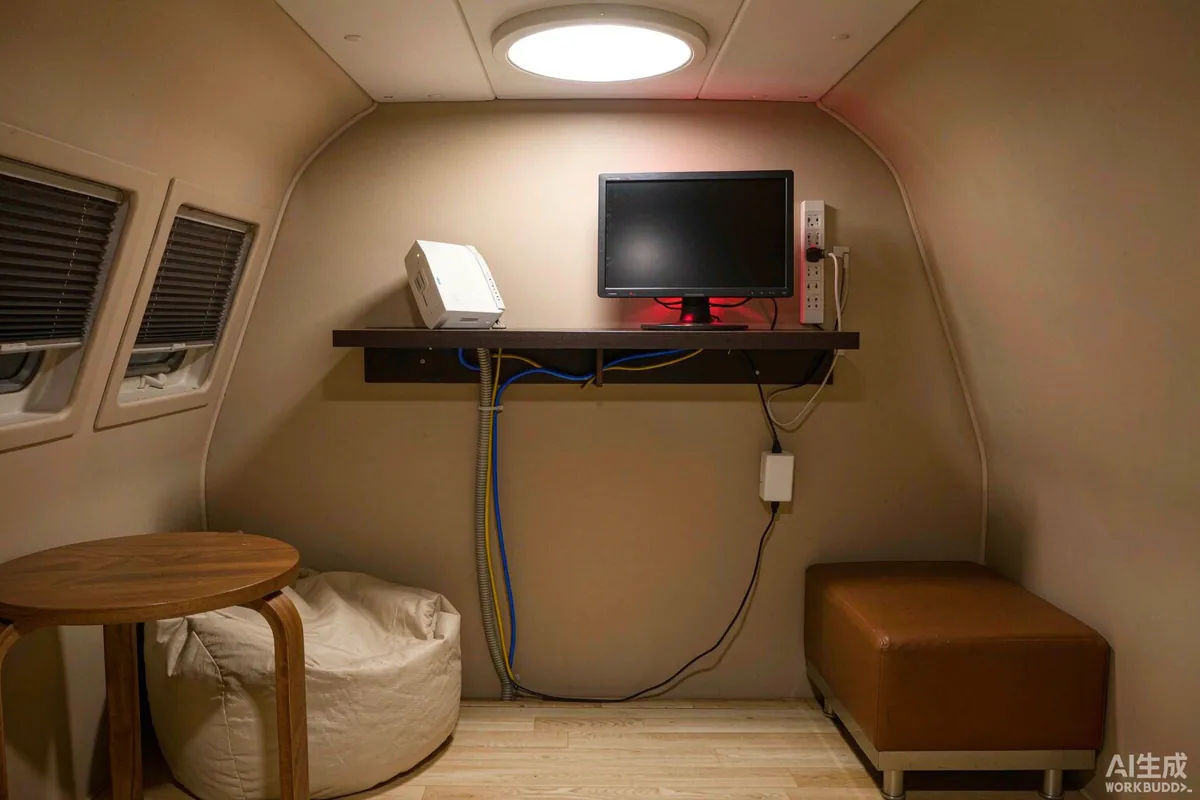
Small interiors make network planning easy in one sense - a single access point usually covers the whole unit - and harder in another, because the router often ends up in a cupboard behind metal. Put it where it can actually radiate, and consider a wired run to anything that benefits from stability: a desk position, a television, a monitoring hub.
- Keep the router out of enclosed metal cabinets where possible.
- Run cable to fixed positions during production rather than surface-mounting it later.
- Separate guest access from monitoring devices on the network where you can.
- Label everything. On a rental unit, the next person to touch it will not be you.
Planning for Failure
Remote connections fail. The useful question is not how to prevent that but what happens when it does. A rented unit with a smart lock, remote cameras and a keyless check-in process is dependent on connectivity in a way a weekend cabin is not, and that dependency should be designed around.
- Keep a mechanical key override for any smart lock, so a network outage never locks a guest out.
- Choose devices that recover automatically after a power cut, rather than ones needing a manual restart.
- Separate monitoring from guest internet where possible, so heavy guest use does not starve the sensors.
- Write down what the failure mode is, and put it in the welcome folder. Guests tolerate an outage far better when they were warned and told what still works.
- Keep a fallback: a phone number that works on the weakest network available at the site.
Where the unit is unattended for long periods, consider a device that reports its own loss of connectivity. A monitoring system that goes silent is indistinguishable from a site that is fine - until it is not.
What to Confirm Before Production
Like electrical provision, connectivity is much cheaper to build in than to add. A short pre-production list:
- Designated service entry point with a cable gland, positioned on the correct side for your site.
- Socket and, where useful, a conduit run at the intended router or equipment position.
- Antenna or dish mounting provision, if the factory can supply it.
- Confirmation that the network circuit stays live in vacant mode.
- Documentation of the cable route, so nobody drills into it later.
Haishu delivers units turnkey with services built in, and the connection and monitoring provisions are worth raising at specification stage for exactly this reason - a planned cable route is a line item, and an unplanned one is a hole in a finished panel.
Requirements and Expectations
Connectivity equipment, mast heights, grounding and any permissions for exterior structures may be subject to local rules. Requirements may vary by application, market and applicable standard. Check with the relevant authority and with the landowner before installing permanent masts, and confirm what the unit's warranty says about penetrations made after delivery.
The Takeaway
Survey the site, choose the connection that actually reaches it, then plan power, mounting and cable entry - in that order. Keep monitoring equipment on a circuit that stays live, and ask the factory for a proper service entry before production. Remote connectivity problems are almost never caused by the wrong router; they are caused by a mount that cannot see the horizon or a cable that had nowhere to go.
More from the Blog

Capsule Home Cost Guide: What You Really Pay in 2026
EXW, shipping, install and the hidden line items — a transparent breakdown of total landed cost.
Read article →
How to Install a Capsule Home in 3 Days: A Step-by-Step Guide
From site prep to first guest — the exact sequence our install crews follow on every deployment.
Read article →
Real Owners, Real Numbers: Success Stories
How a lakeside resort, a Spanish glamping site and a Singapore dealer hit their targets.
Read stories →Talk to the Factory
Ready to Ride the 2026 Wave?
Get the latest catalog, pricing tiers and a layout sketch for your land — straight from the engineering team.